Manual › Getting started
Making your first list
The basic flow of ShotList2 is import → tidy up → export. This page walks through making your first list and exporting it to Excel.
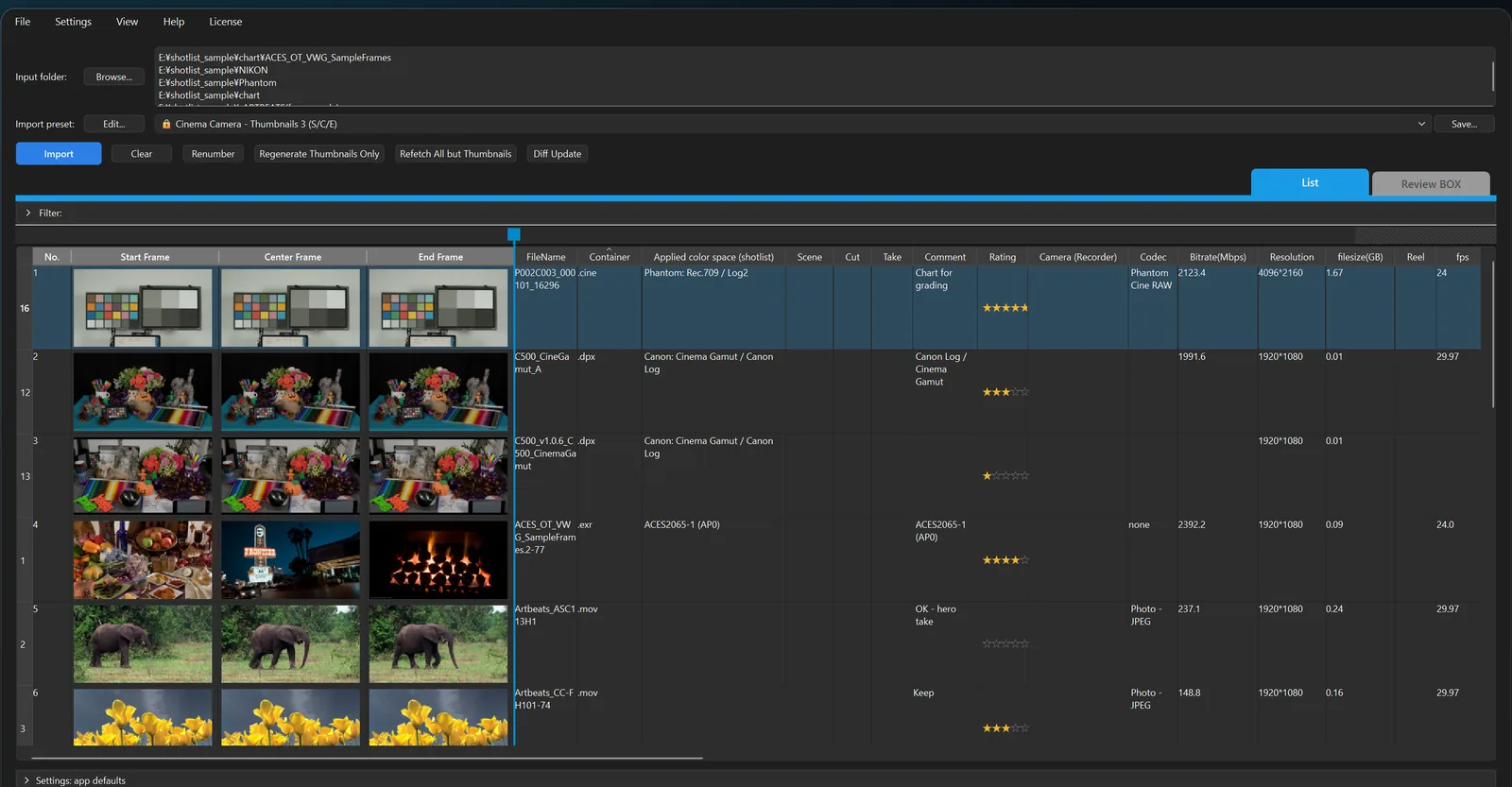
1. Import your media
Drag and drop a folder of media onto the ShotList2 window. Importing starts right away.
- Folders are searched including their subfolders, one row per clip.
- Image sequences (DPX, EXR, etc.) become a single row.
- You can also choose a folder with "Browse..." and click "Import".
When it is done, "Import finished: n items" appears at the bottom. See Import for details.
The first time, "Launch Setup Wizard…" under Settings → "Settings..." → "General" lets you decide how stills, sequences and camera RAW colors are handled by answering four questions (Settings).
2. Tidy up the list
- Sort: click a column header.
- Change a thumbnail's frame: double-click the thumbnail to open the preview, go to the frame you want and click "Use this frame as thumbnail (Enter)".
- Comments and stars: type in the Comment column and click the stars in the Rating column.
- Renumber: after sorting, "Renumber" numbers the rows 1, 2, 3… in the current order.
- Show or hide columns: right-click a column header.
See Editing the list for details.
3. Export to Excel
Click "Export xlsx" at the bottom right and choose where to save. You get an xlsx with the thumbnails inside the cells.
- For older Excel or other software, use "Export xlsx (compatible)".
- For Google Sheets, use "Export xlsx (Sheets)".
See Export for details.
4. Save it
File → "Save Project" (Ctrl+S) saves a .shotlist file you can reopen later exactly as it was (.shotlist files).